Julia N購入済み
Plays nicely with a KVM
I switch between a work laptop and a personal desktop through a KVM. The pointer comes back within a second of switching and never needs to be unplugged to be recognised again.
¥3,200
プロモーションコードで5%おトクに。
詳細
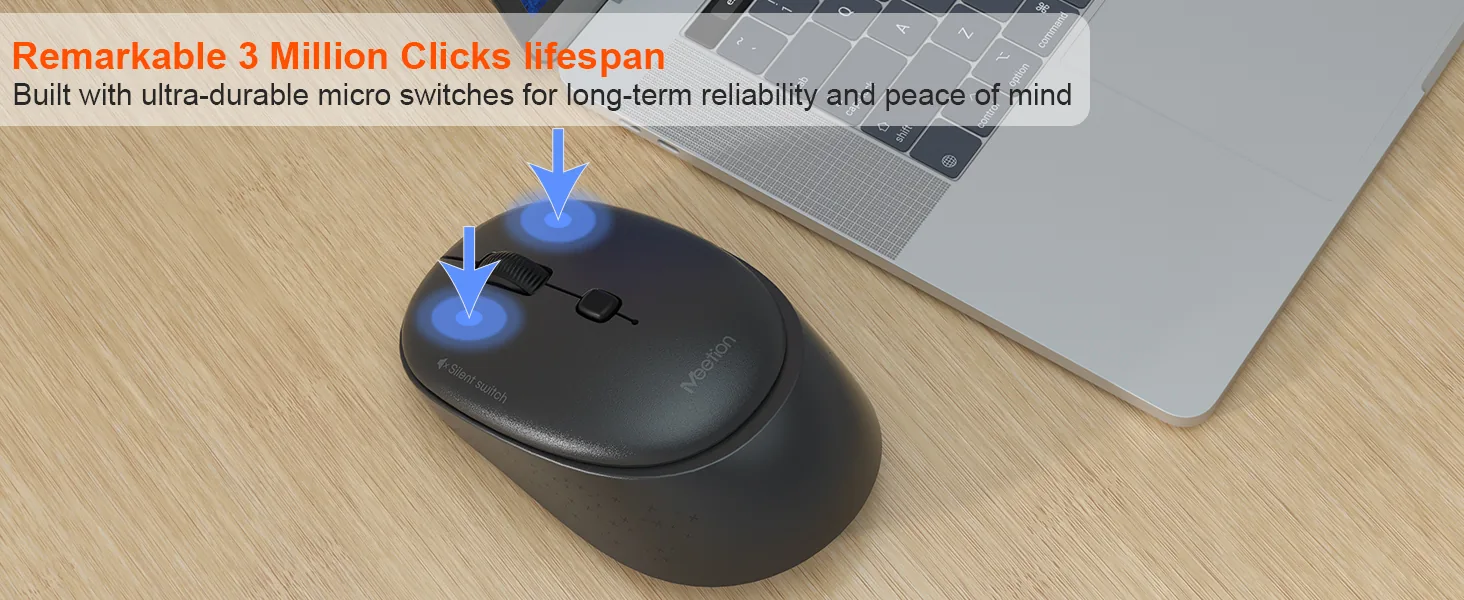
ABS樹脂 3+1ボタンサイレント / サイレントスイッチ TYPE C充電式 最大3200 DPI スイッチ≥3,000,000
カラー:Pink
在庫あり
Windows XP/7/8/10/11、Vista、macOSに対応しています。
マウスのボタンはサイレント設計です。静かなオフィスでも、図書館での勉強中でも、深夜の作業中でも、快適なクリック環境を実現します。
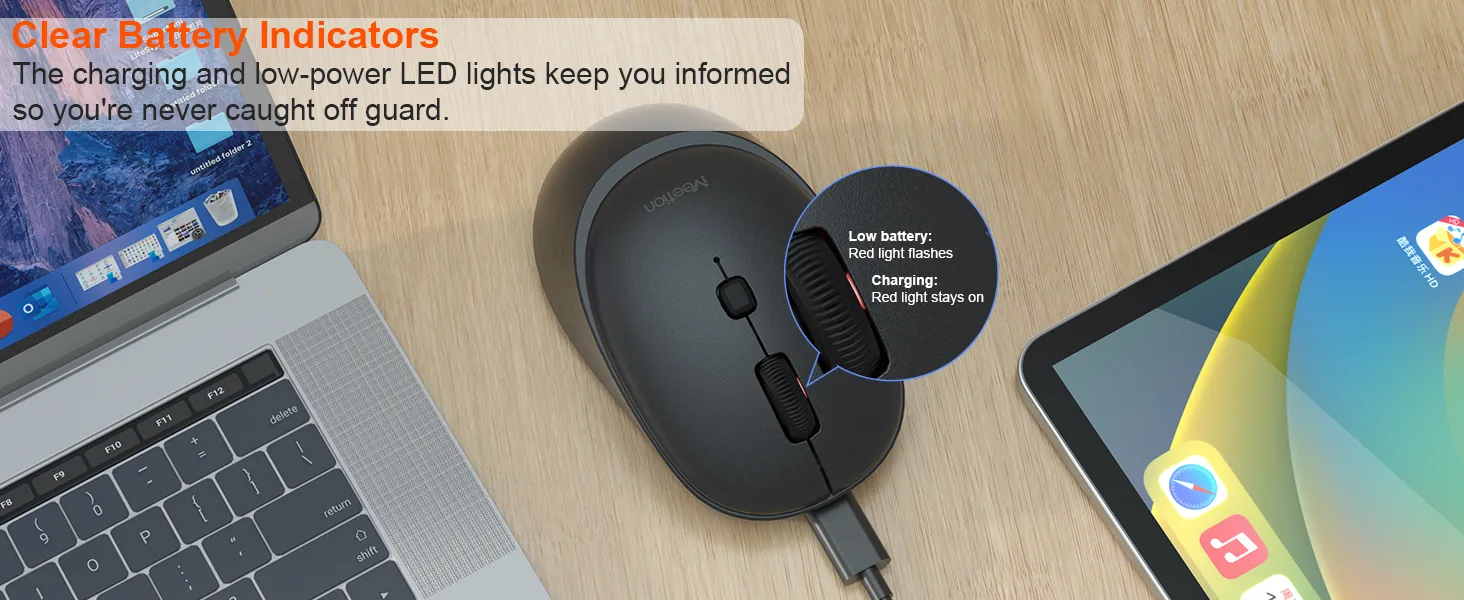
低消費電力の省エネ技術を採用した新世代の300mAh内蔵バッテリーは、60hの使用でより省エネになり、環境保護にも貢献します。
5段階のDPI設定でカーソル速度をカスタマイズし、究極の精度を実現します。800~3200の範囲から選ぶことができ、あらゆる作業で正確な操作が可能です。
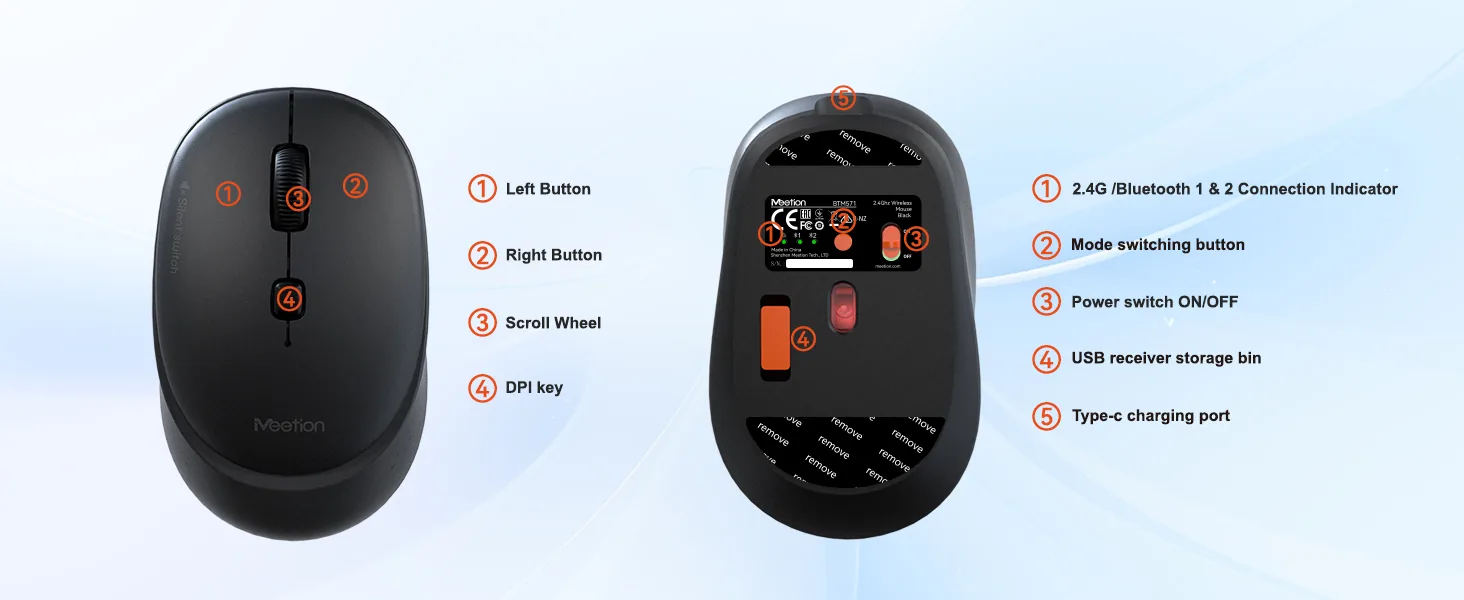
最新のType-Cインターフェースを搭載し、1hで素早く信頼性の高い給電を実現します。使いやすいType-C接続で、高速で安定した充電が可能です。
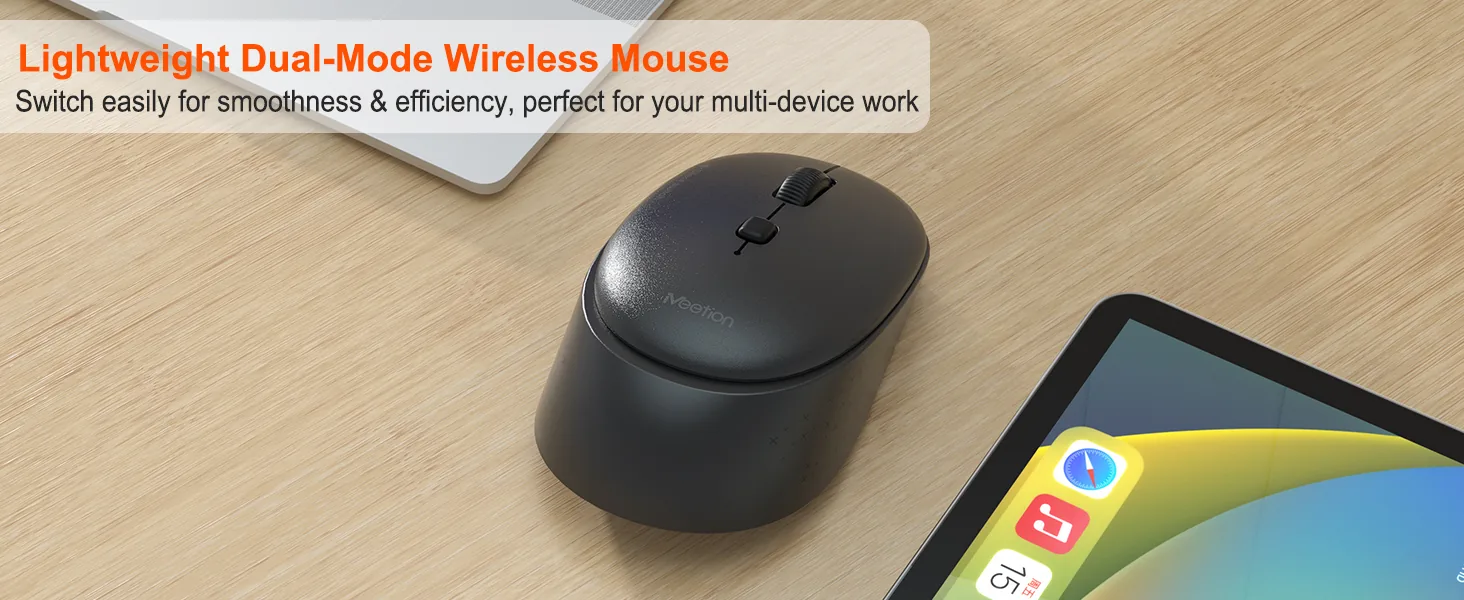
2.4GとBluetoothの2チャンネルでスマートフォン、タブレット、ノートPCなどのスマートデバイスに接続でき、10メートル以内で安定した接続を実現します。
6件のレビューに基づく
6件中 1–6件を表示
I switch between a work laptop and a personal desktop through a KVM. The pointer comes back within a second of switching and never needs to be unplugged to be recognised again.
I use it left-handed and the shape is close to symmetrical enough that it does not feel wrong. The side buttons are awkward to reach with my ring finger, so I leave them unassigned.
My work machine does not allow third-party software. This mouse works with the default driver, and the button layout I set on my home computer carried over through the onboard memory.
I move the cursor across two screens in one motion and it lands where I expect. On the previous mouse the pointer would stop halfway and need a second swipe.
I reconcile invoices all day, jumping between columns and rows. The combination of a stepped wheel and a steady sensor means I stop on the right cell far more often.
There is a small noise from inside when the mouse is shaken, which I noticed while packing it. It has had no effect on tracking or buttons in nine months of use.
レビューは購入済みのお客さまに限られます。ご注文時のメールアドレスでサインインし、注文ページから投稿してください。
It supports 800-1200-1600-2400-3200 DPI.
It connects via 2.4 GHz Wireless / Bluetooth.
It supports Win XP/7/8/10/11, Vista, MacOS.
Download the BTM571 Wireless Mouse user manual. The page lists the languages and file size.